



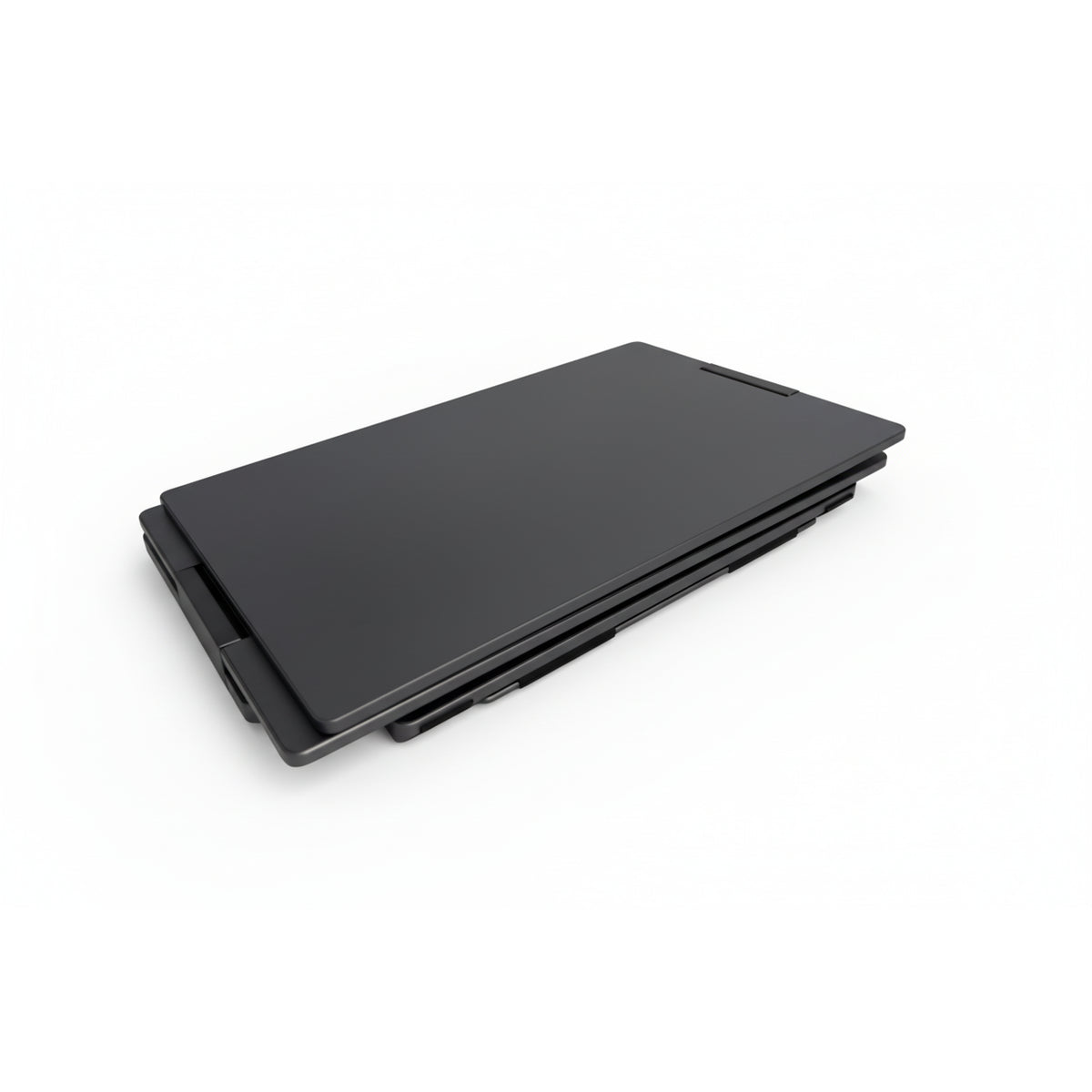
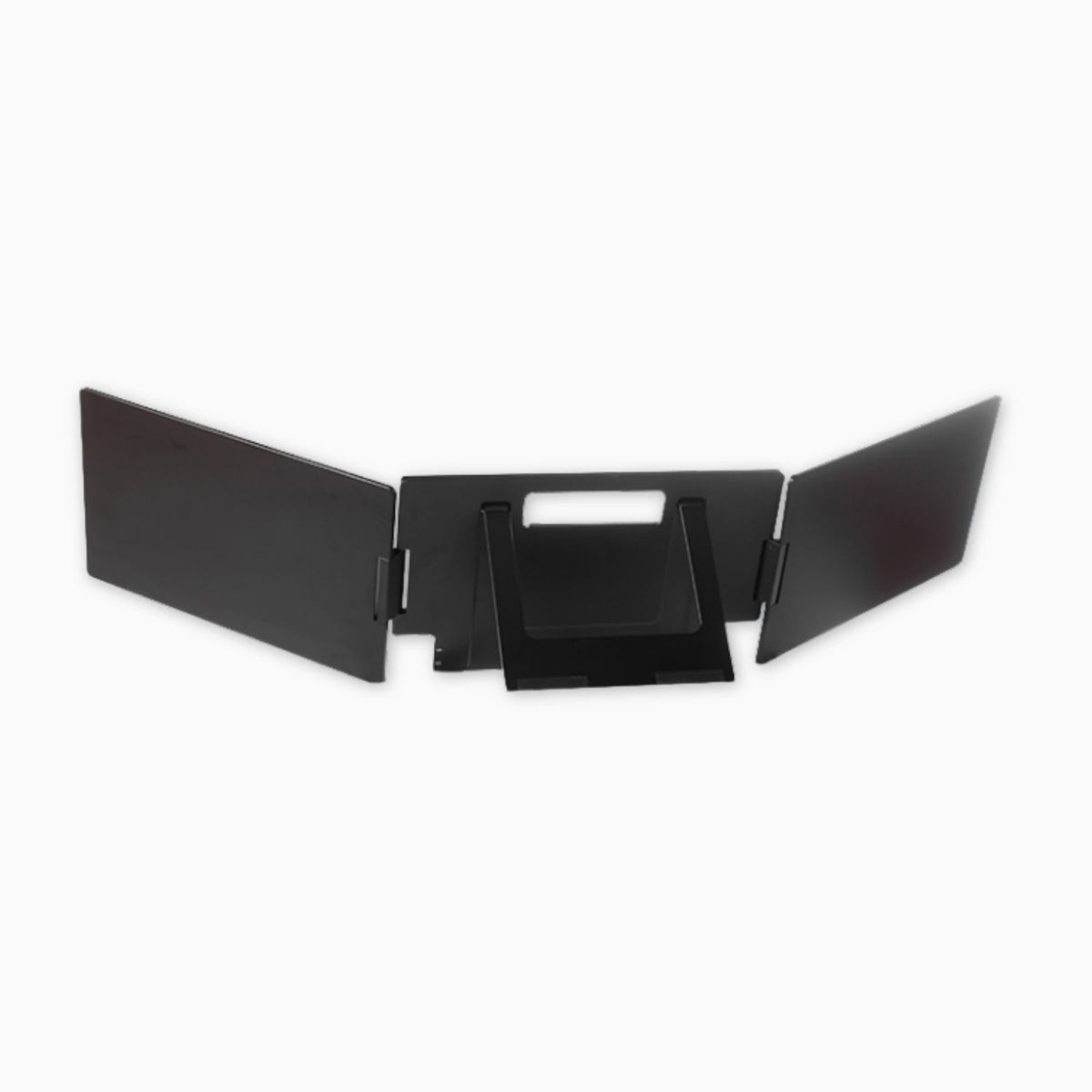
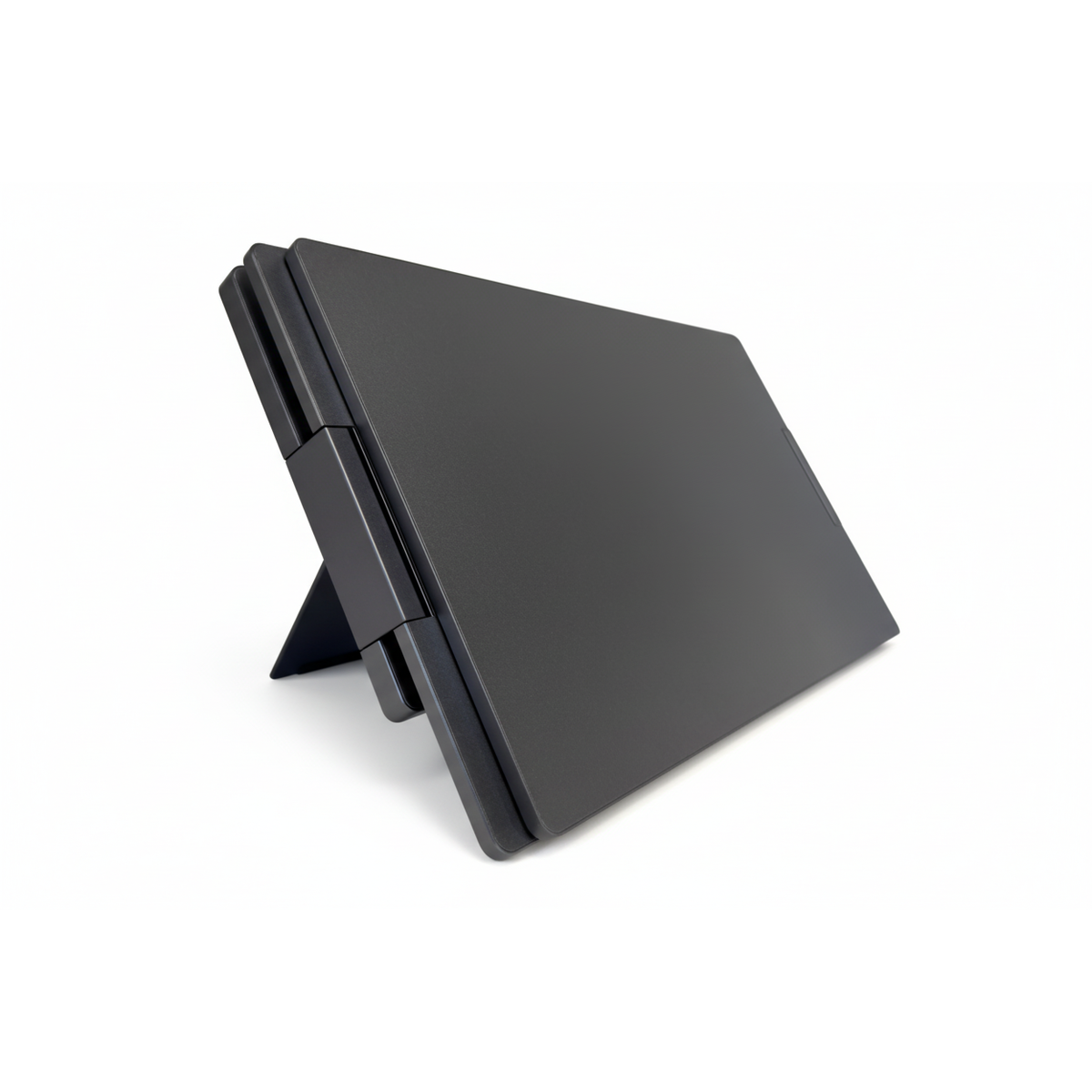
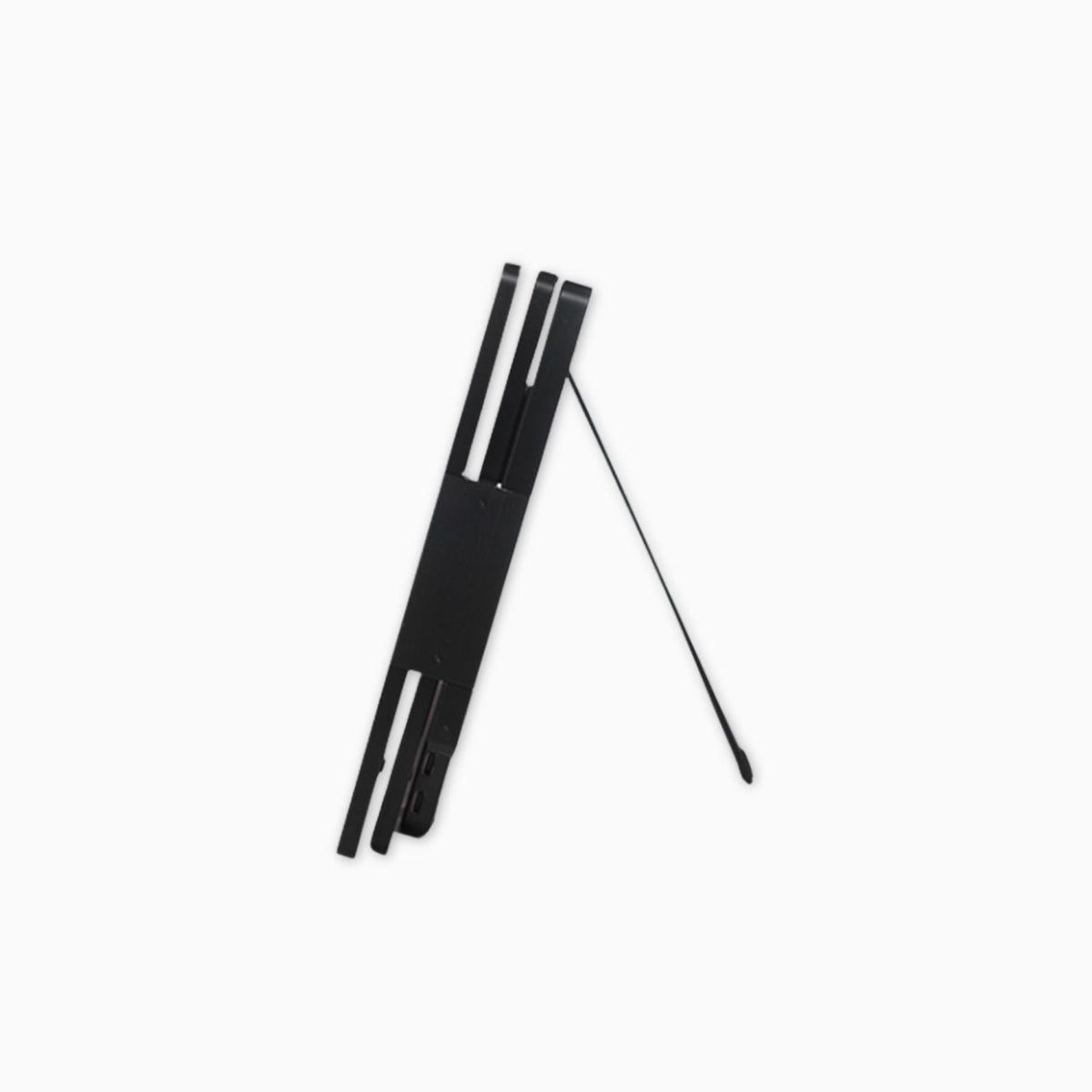
Alu Pro Portable Duo Screen Extender
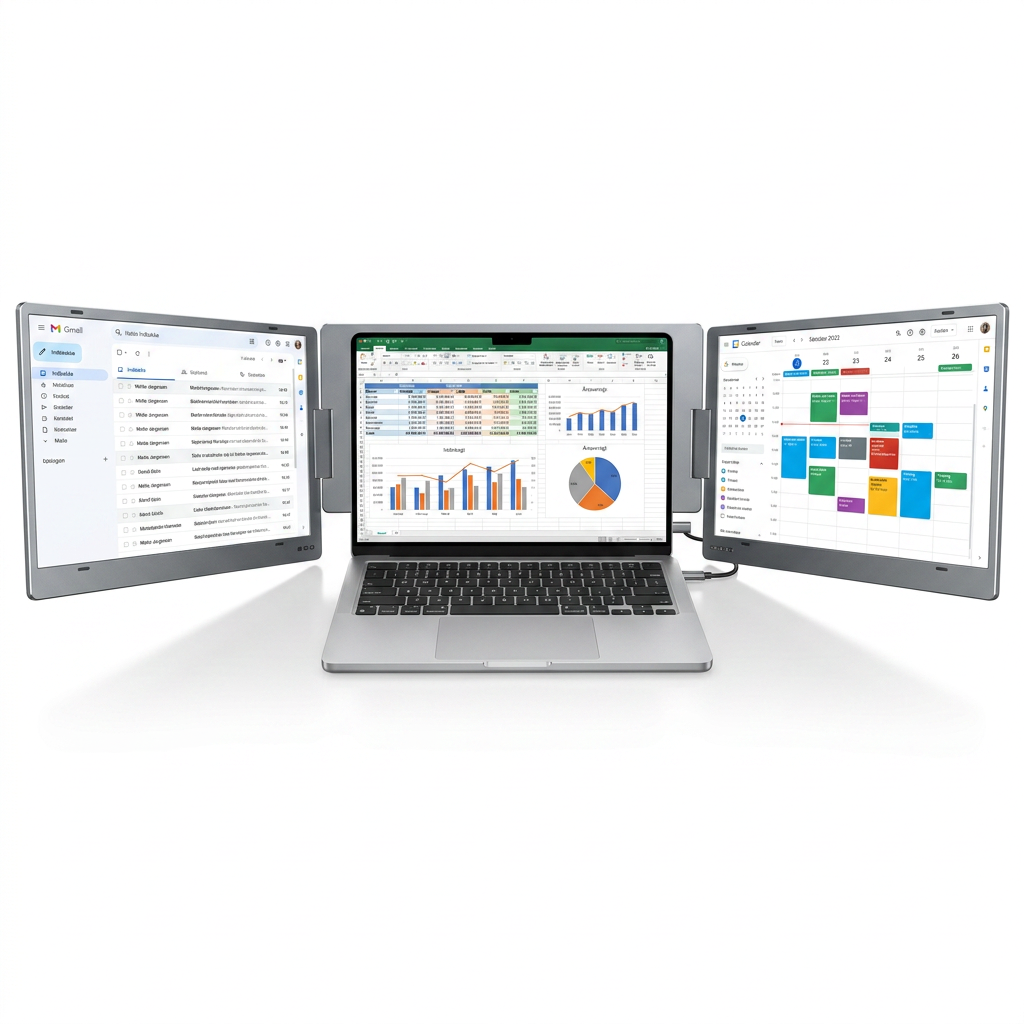
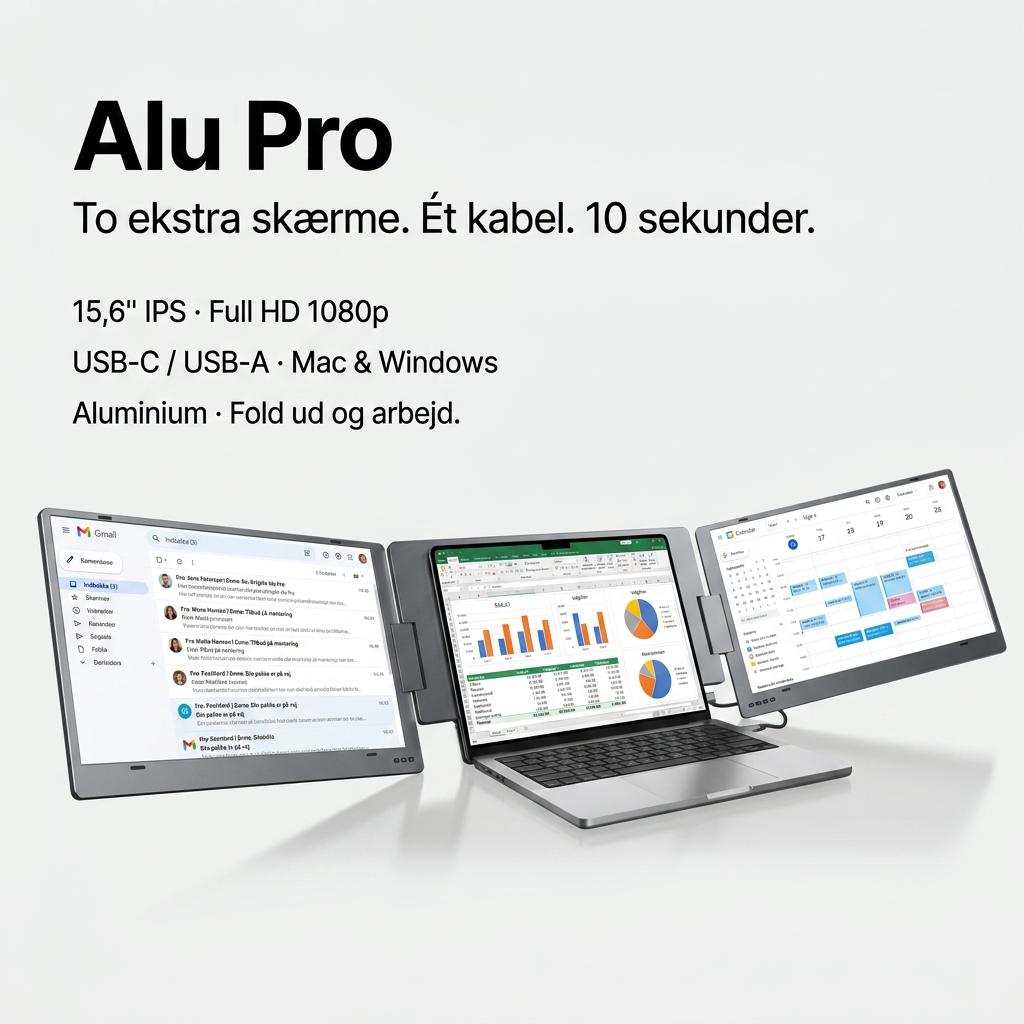
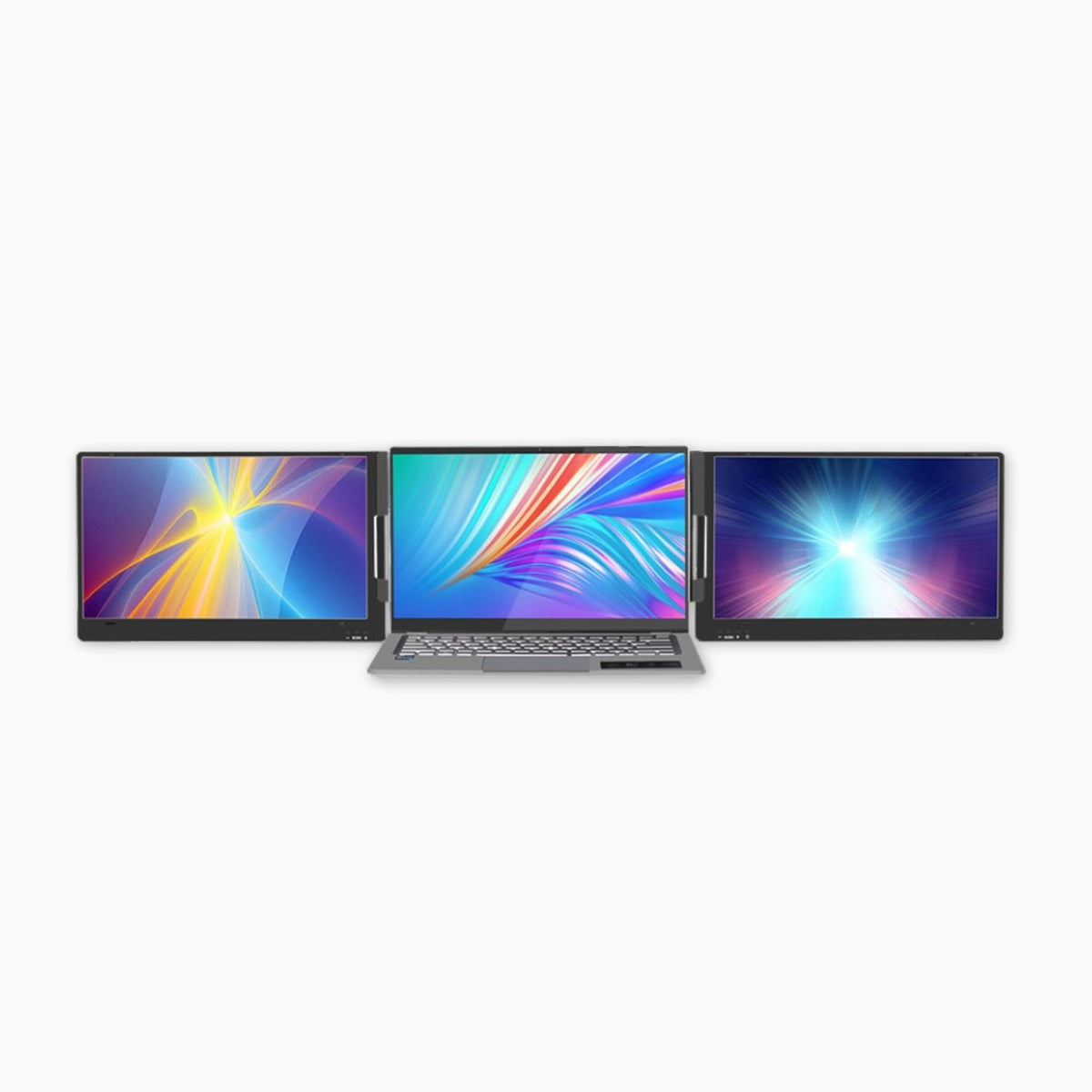
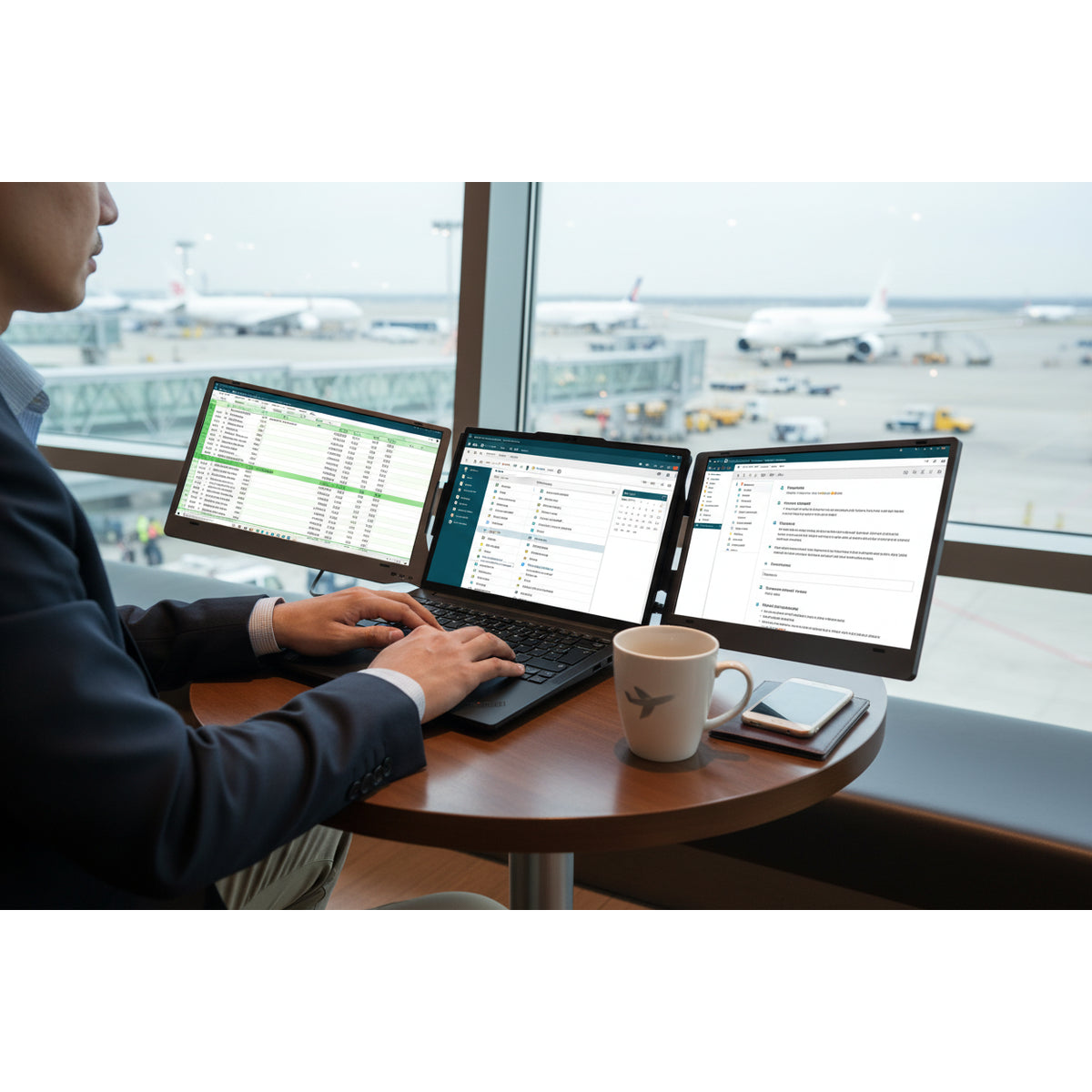
Get two extra Full HD screens for your laptop with a single cable. Ready in 10 seconds – at home, in the office, and on the go.
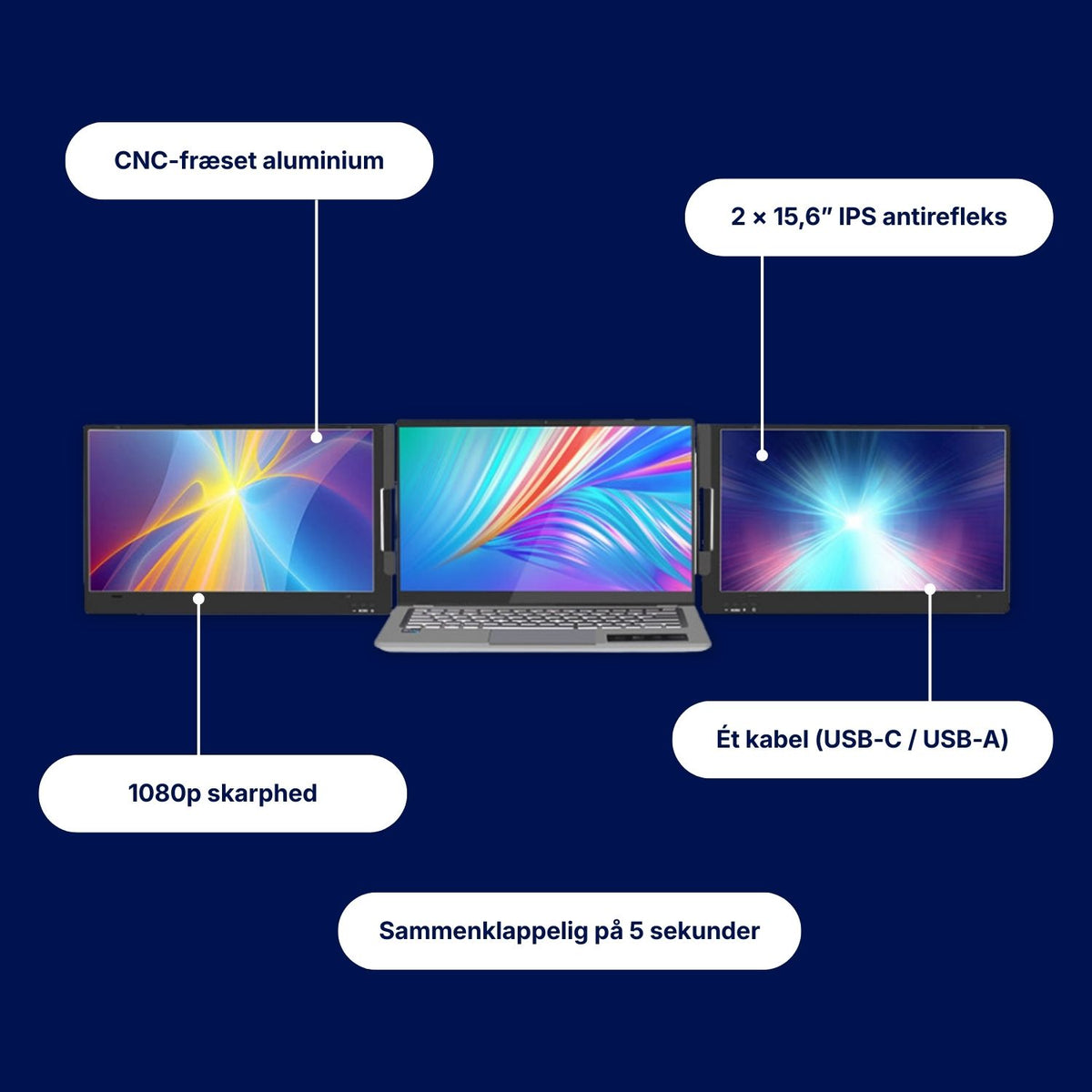
- 2 extra Full HD screens – matte IPS that doesn't reflect
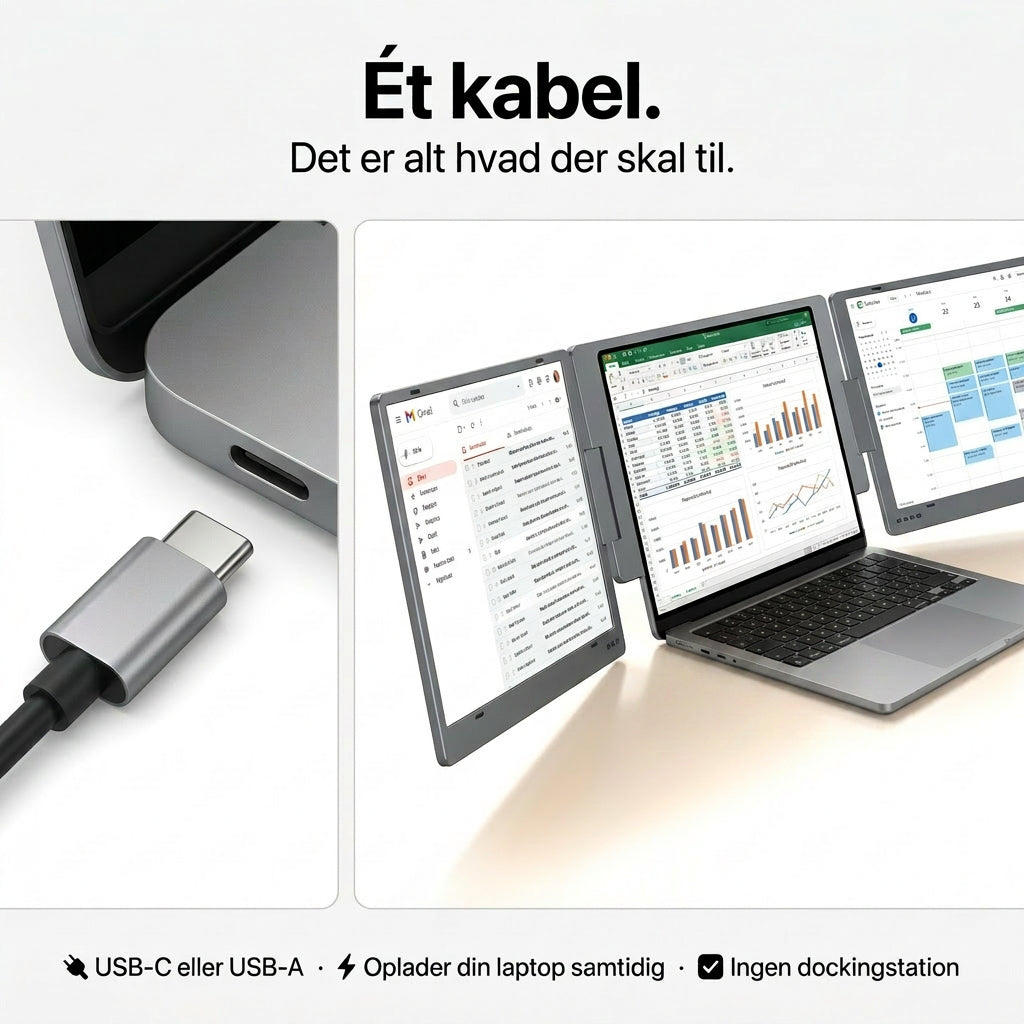
- One cable – USB-C or USB-A, works with Mac & Windows
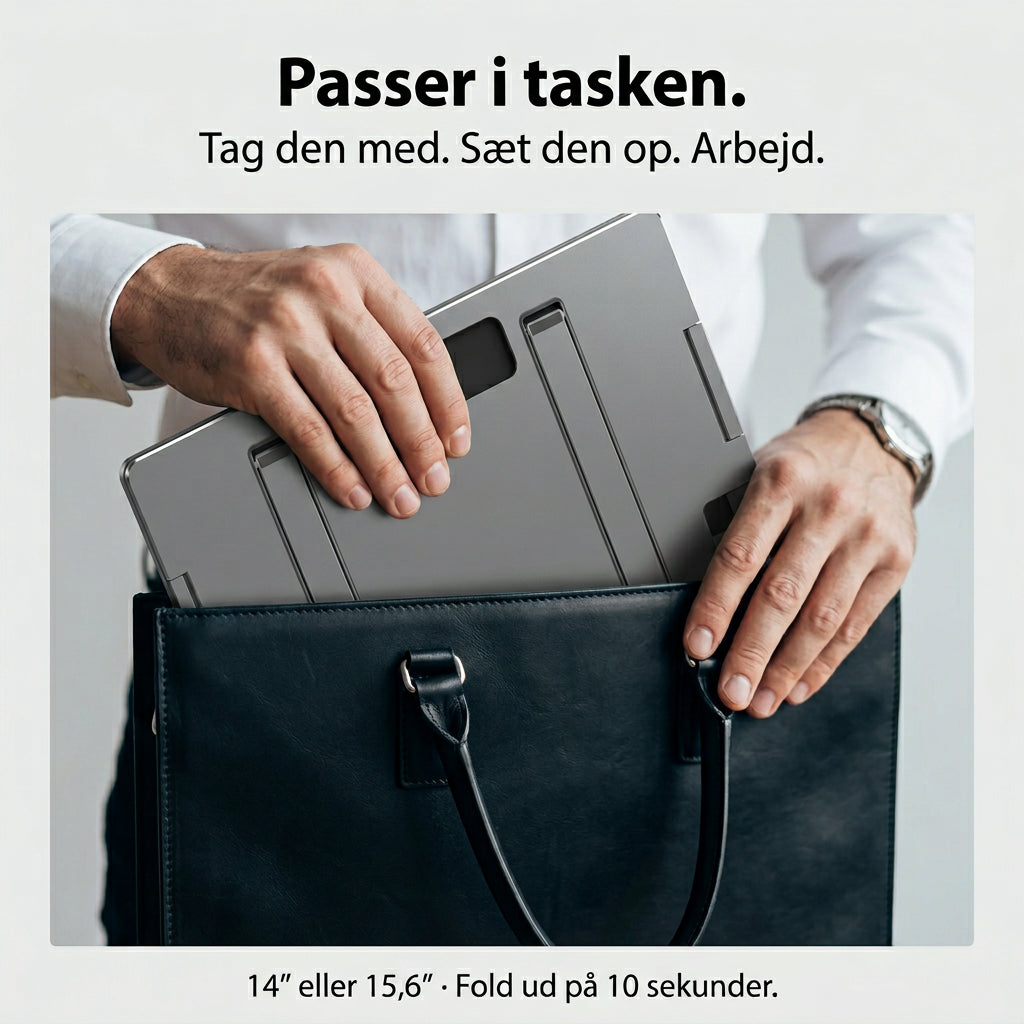
- Aluminium, not plastic – folds up and fits in your bag
- Charges your laptop at the same time with the included power supply
Rule of thumb: choose the size closest to your laptop screen. See dimensions · Check if it fits

- 30-day satisfaction guarantee – full refund
- Danish webshop with warehouse in Horsens


 🔒 Secure payment
Pairs perfectly with:
Specifications
Alu Pro - 14"
- Screen size: 14"
- Resolution: 1920 × 1080 (Full HD)
- Brightness: Up to 350 nits
- Aspect ratio: 16:9
- Compatibility: macOS & Windows
- Weight (net): 1.75 kg
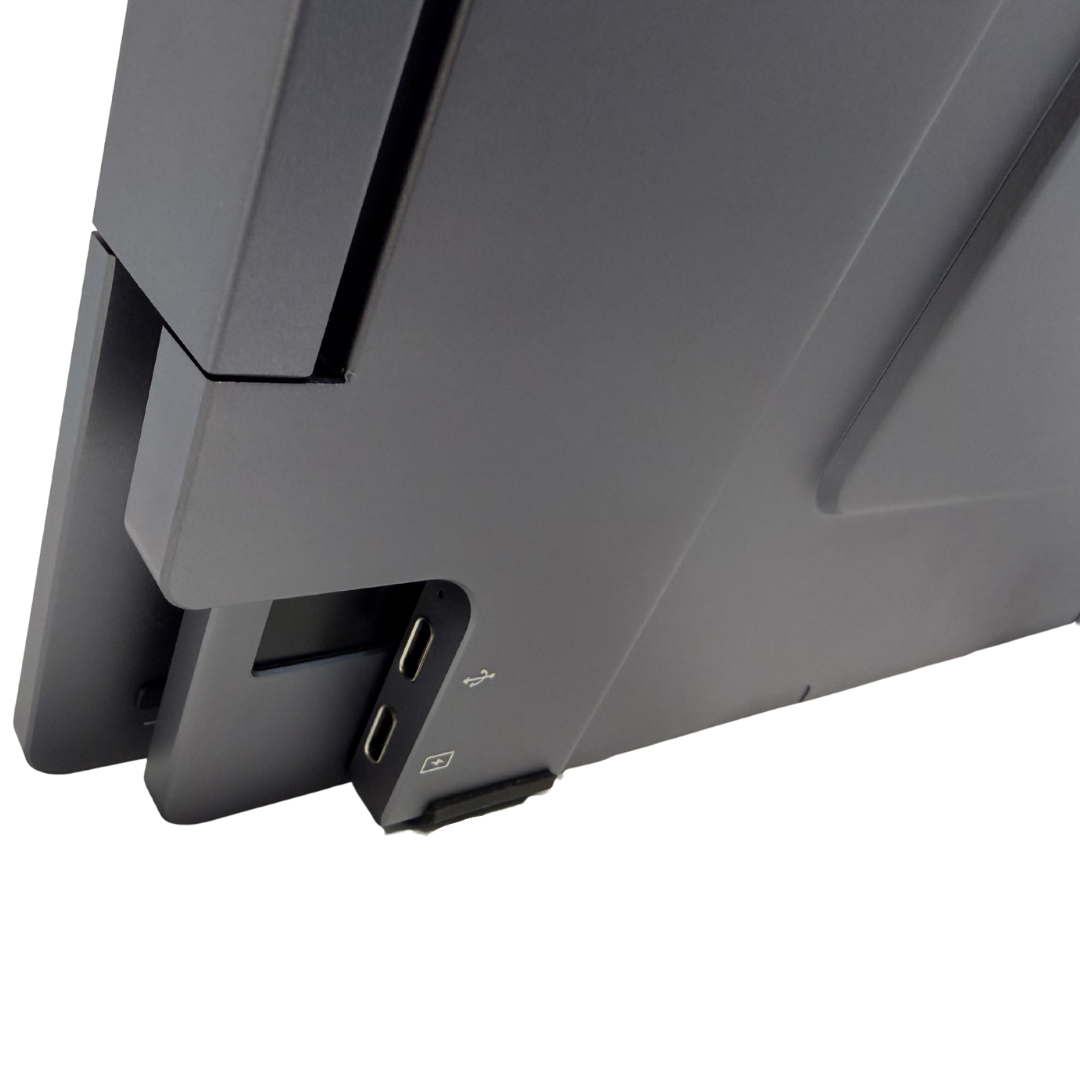
- Connectivity: USB-C / USB-A
- Modes: Duplicate, Extend & Portrait
- Rotation: 360°
- Driver: Required
- Material: Aluminum
- Recommended laptop size: Up to 15.6"
Alu Pro - 15.6"
- Screen size: 15.6"
- Resolution: 1920 × 1080 (Full HD)
- Brightness: Up to 350 nits
- Aspect ratio: 16:9
- Compatibility: macOS & Windows
- Weight (net): 2.4 kg
- Connectivity: USB-C / USB-A
- Modes: Duplicate, Extend & Portrait
- Rotation: 360°
- Driver: Required
- Material: Aluminum
- Recommended laptop size: Up to 17"
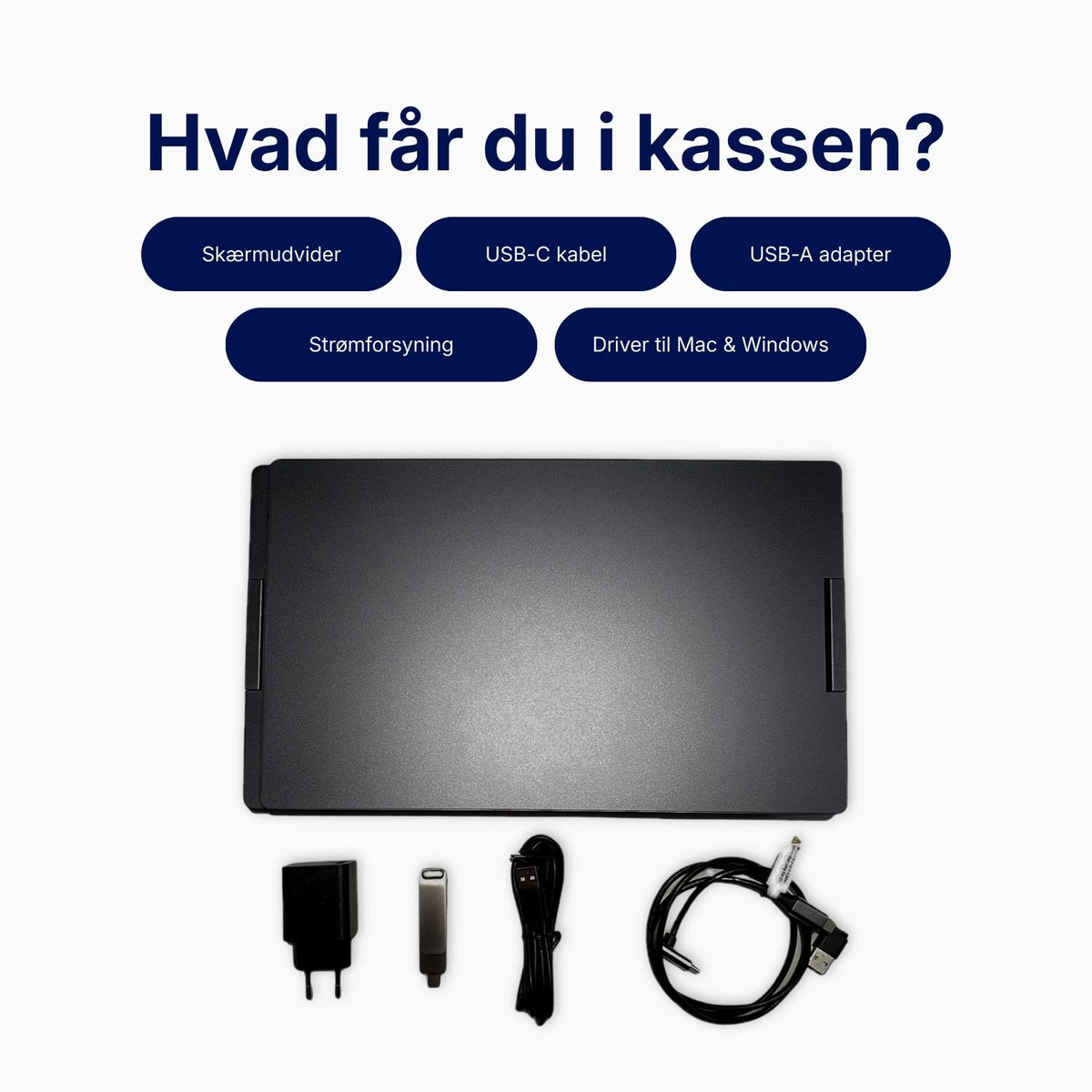
What is in the box?
- 1 × Alu Pro Portable Duo Screen Extender
- 1 × USB-C to USB-C cable (recommended if your computer has USB-C)
- 1 × Dual USB-A to USB-C cable (for computers without USB-C)
- 1 × Power supply (charges your laptop at the same time)
- 1 × USB dongle with drivers for Windows and macOS
Delivery, returns and warranty
Dispatched the same day when ordered before 12 noon on weekdays – from our warehouse in Denmark via PostNord. Free shipping to a parcel shop.
30-day satisfaction guarantee: If you are not satisfied, you will receive a full refund. The packaging must simply be intact.
Nandooshop is certified by e-mærket. CVR 45371883 · Vågøvej 22, 8700 Horsens.
User manual and driver
User Manual: Danish · Norwegian · Swedish · German
The driver is on the included USB stick. You can also download the latest version from SiliconMotion.
Alu Pro Portable Duo Screen Extender
If you are still unsure, please do not hesitate to contact us by email or phone. We respond to all inquiries within 24 hours.
-
Does it fit my device?
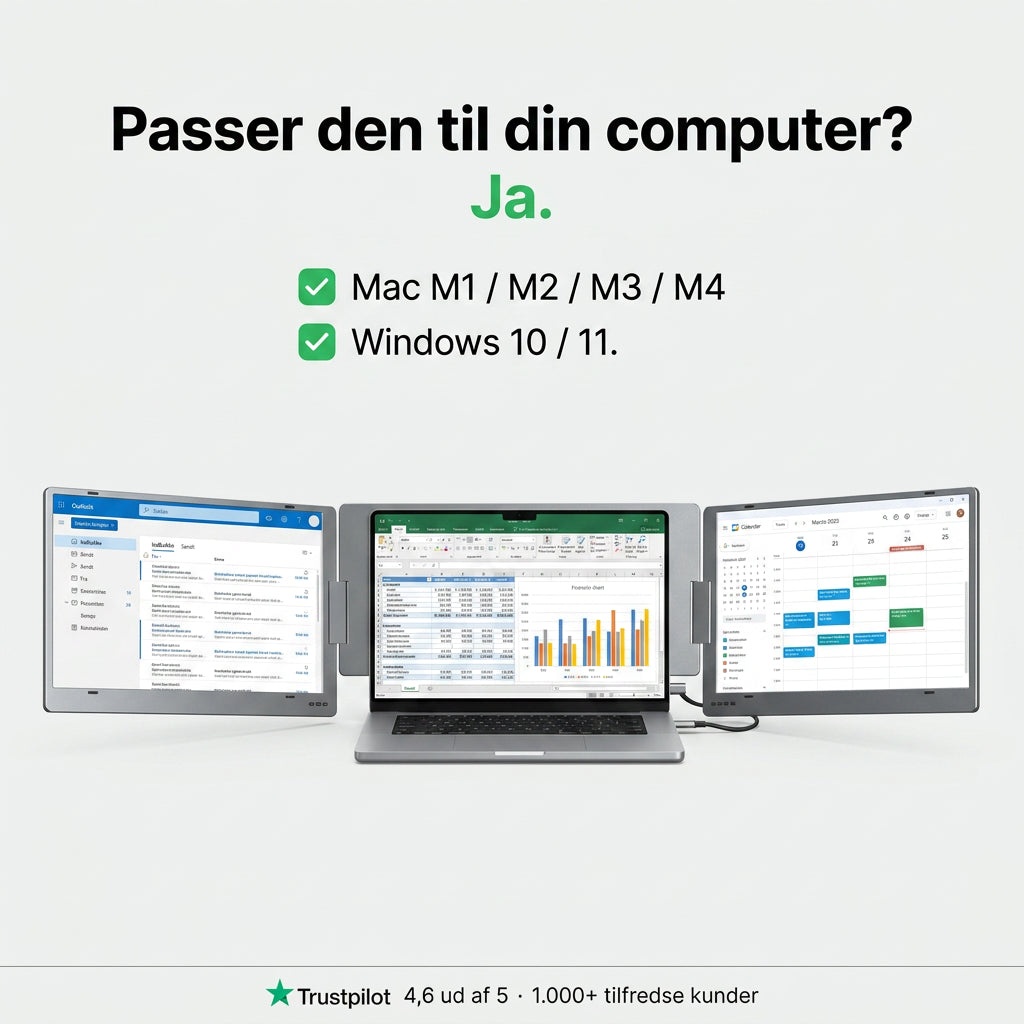
Alu Pro works with most laptops running Windows (7–11) or macOS – both with Apple silicon and Intel. The included driver allows you to use both screens.
You can connect via USB-C or USB-A. Both cables are included.
If you are unsure, send us your computer model, and we will check it for you.
-
Compatible with:
Operating systems
- MacOS
- Windows
MacOS versions
- MacOS 26 Tahoe
- MacOS 15 Sequoia
- MacOS 14 Sonoma
- MacOS 13 Ventura
- MacOS 12 Monterey
- MacOS 11 Big Sur
- MacOS 10.15 Catalina
- MacOS 10.14 Mojave
- MacOS 10.13 High Sierra
- MacOS 10.12 / 10.11 / 10.10
Apple processor
- M1 / M1 PRO / M1 MAX
- M2 / M2 PRO / M2 MAX
- M3 / M3 PRO / M3 MAX
- M4 / M4 PRO / M4 MAX
- Intel Processor
Windows version
- Windows 11
- Windows 10
- Windows 8.1
- Windows 7

Do you know the feeling?
One laptop screen is not enough for a real workday
Email, spreadsheets, Teams and documents are all competing for the same small screen. You switch windows hundreds of times a day, and every time you lose focus a little.
- You are looking for windows instead of working
- You cannot see the meeting and your notes at the same time
- A large screen cannot come with you when you work from home or on the go
The solution
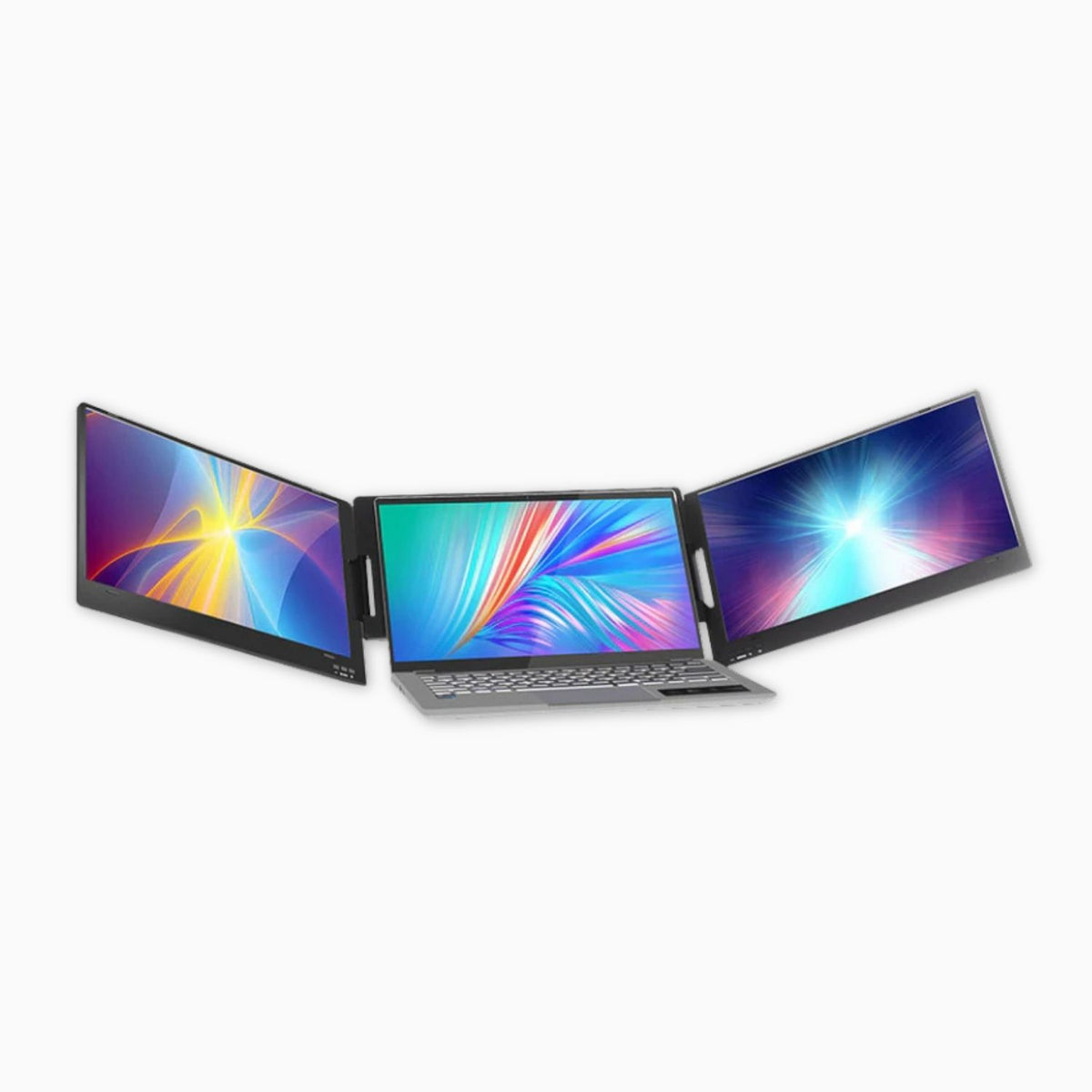
Three screens. One laptop. Ready in 10 seconds.
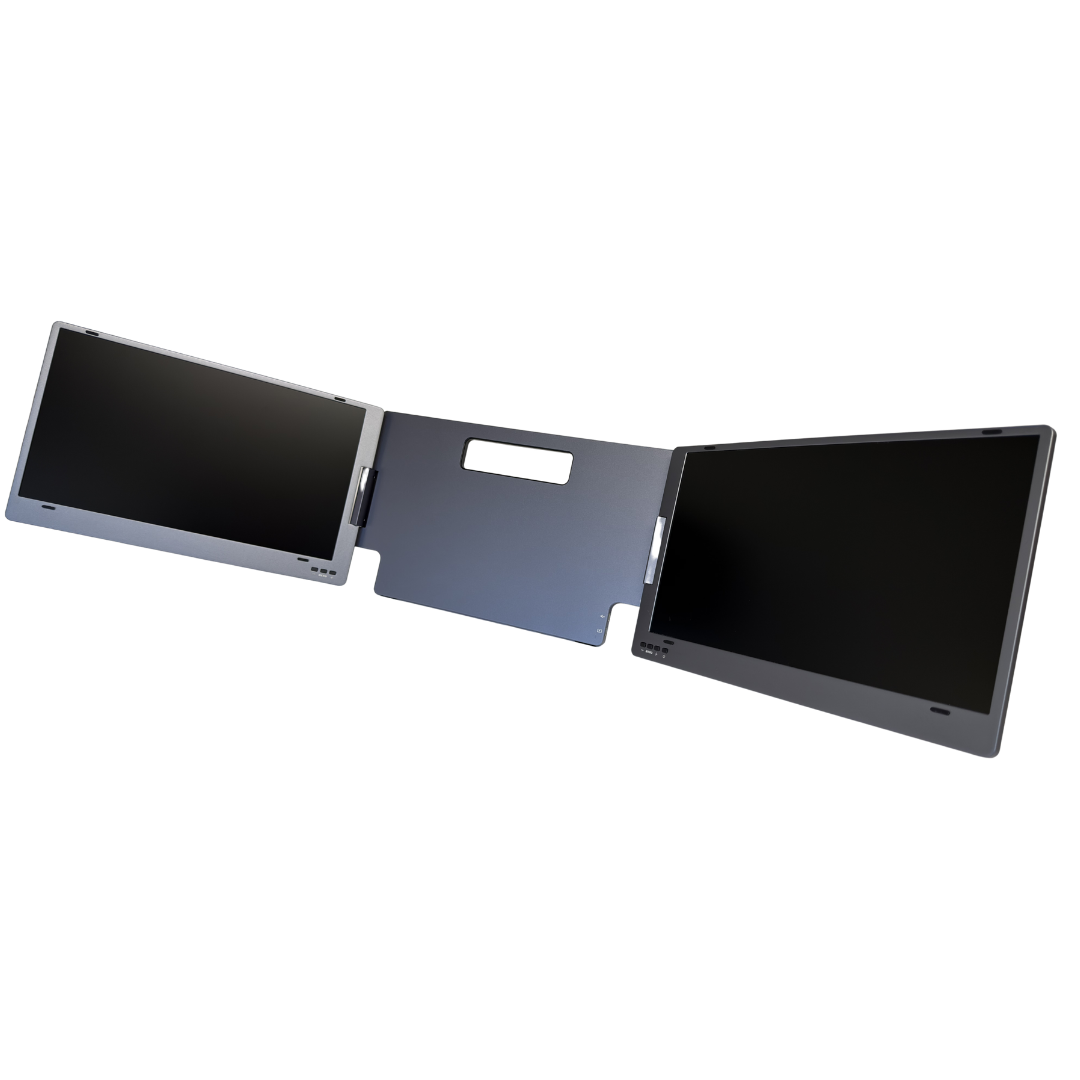
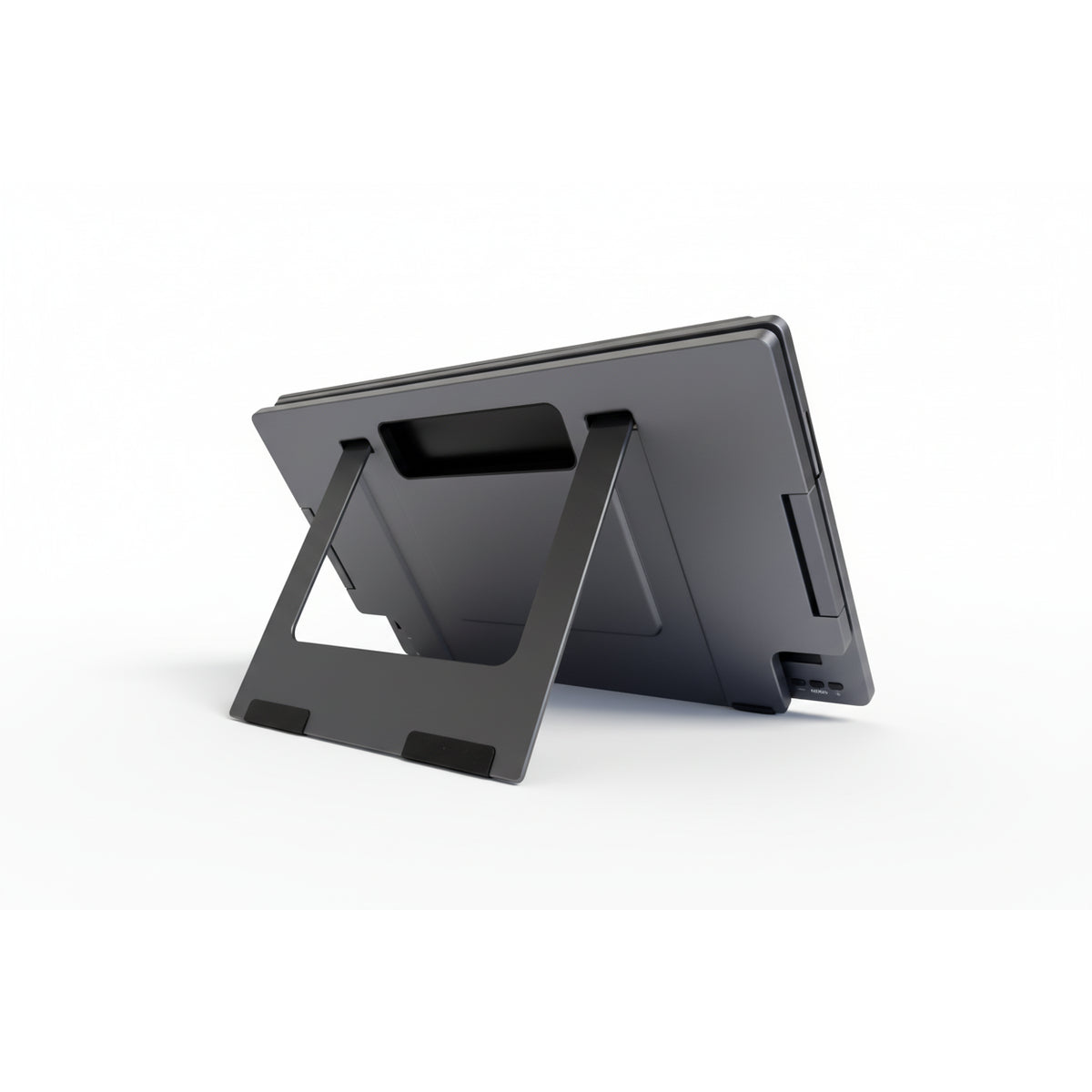
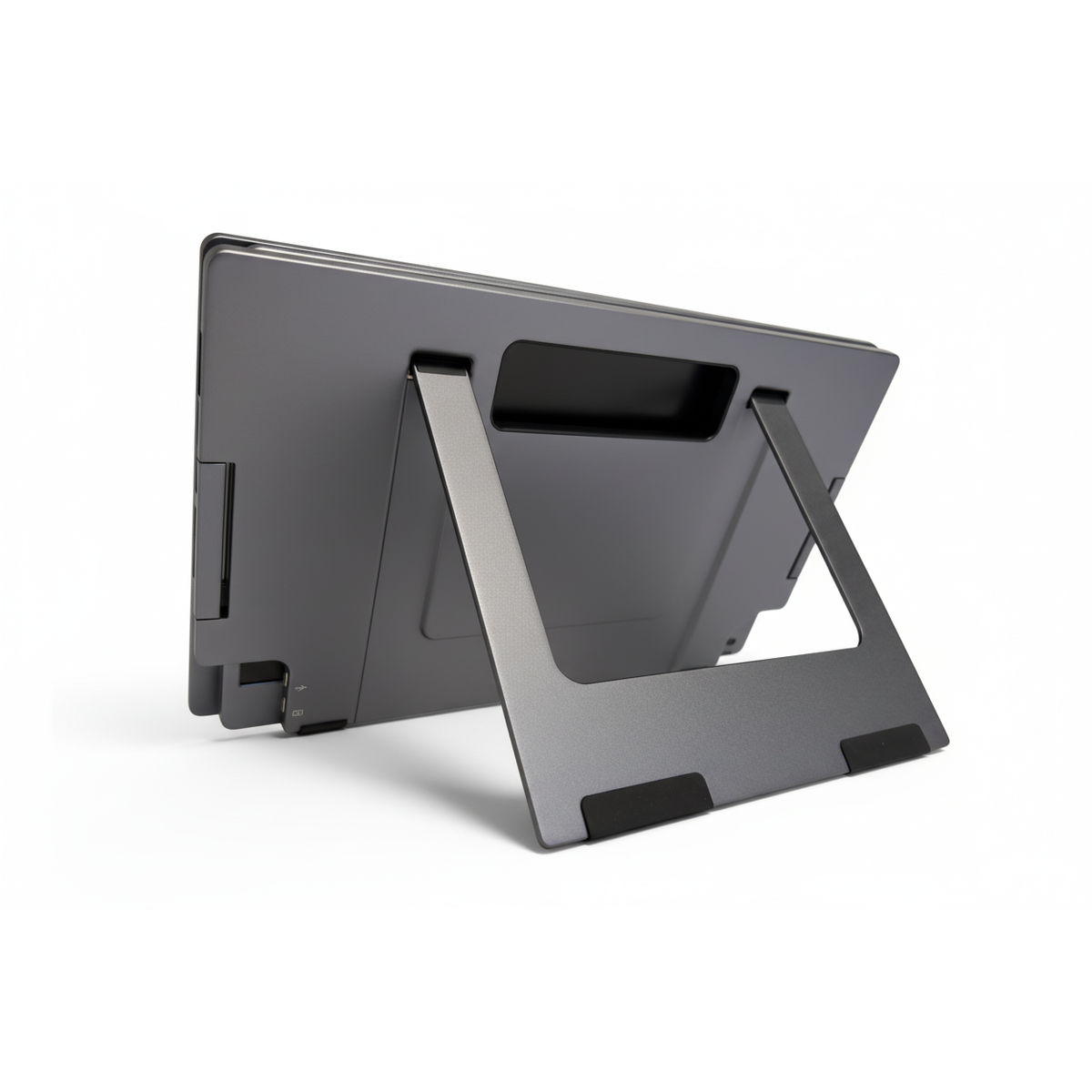
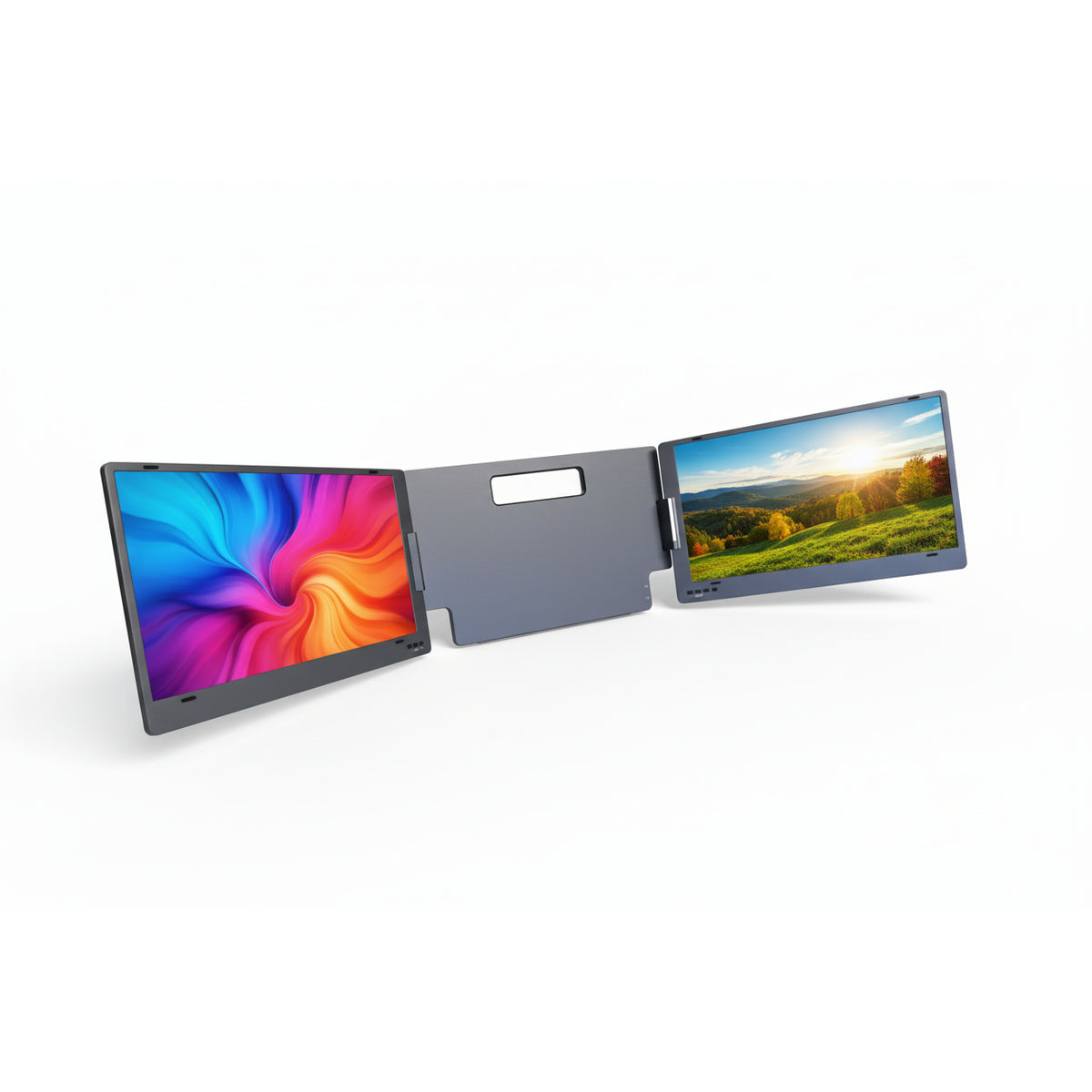
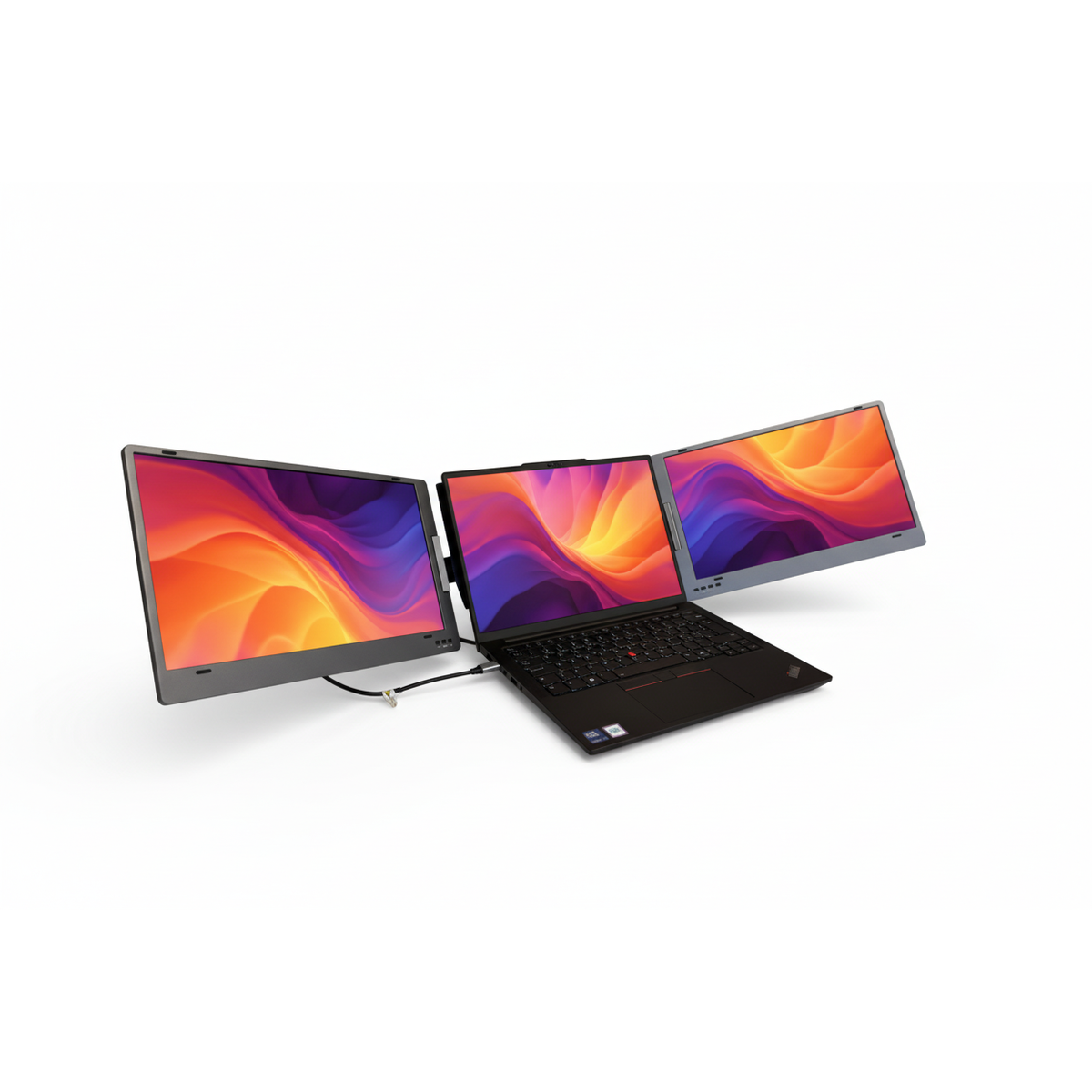
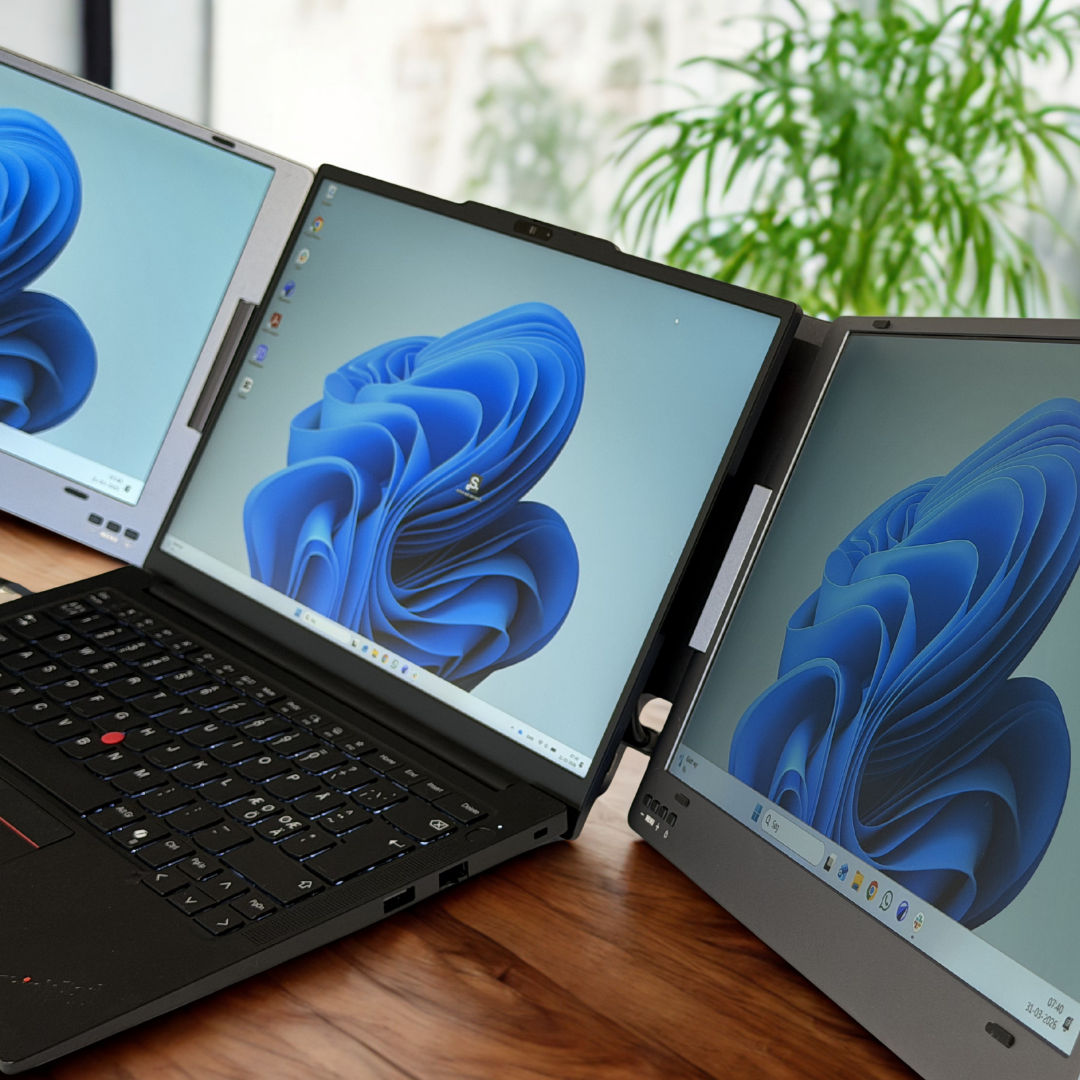
Unfold the Alu Pro – it stands on its own thanks to its built-in stand. Place your laptop against it, connect one cable, and you have an additional Full HD screen on each side. It works just as well at the office, at home, and on the train.
- Email, spreadsheets and meetings side by side, always visible
- No docking station, no extra power cables and no cable clutter
- Matte IPS panel that is comfortable on the eyes all day
- Folds into a thin panel that fits in your bag
Built for the way you work
One setup. Many ways to work.

Extend the desk
Drag the windows out on both sides, and work on three screens at once.

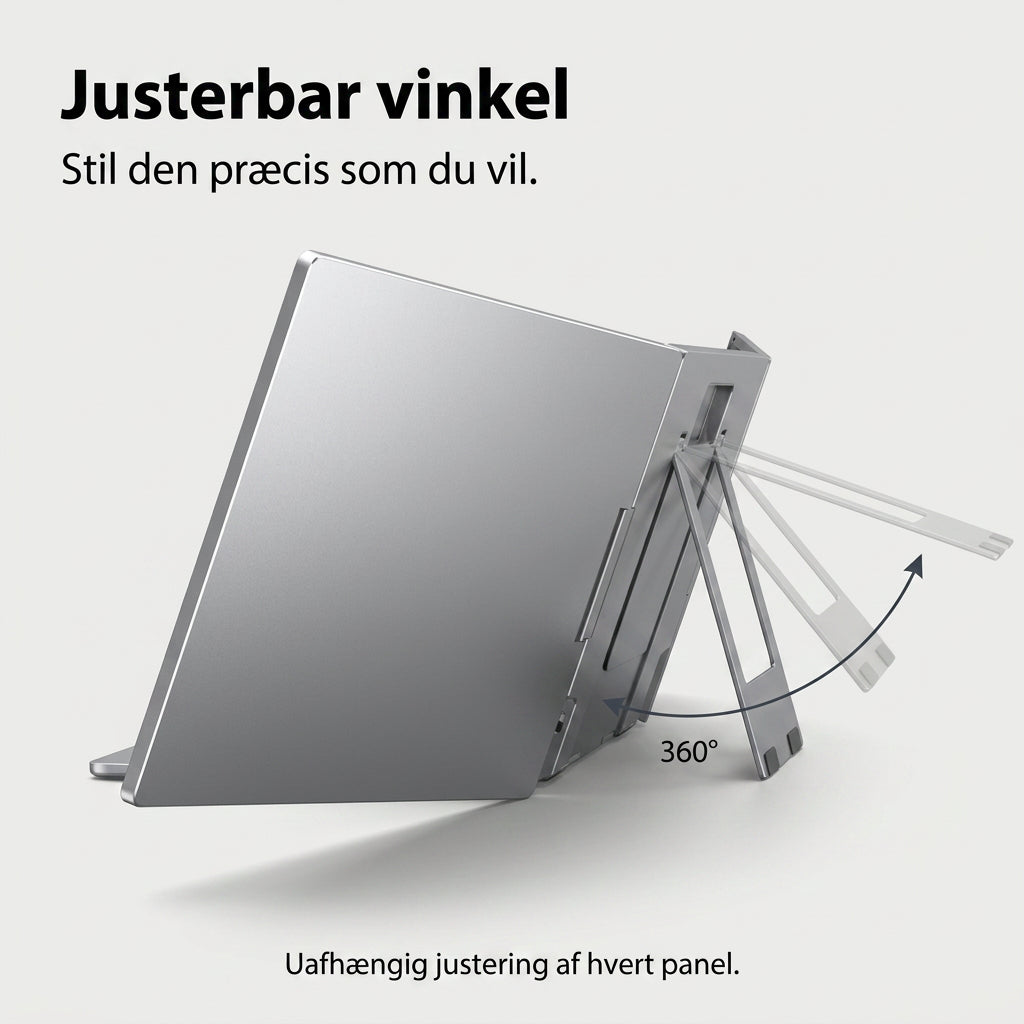
Adjust each screen
Rotate each screen independently, and choose extended, duplicate, or portrait mode.

Take it with you
Folds up in a few seconds and fits in your laptop bag.

One cable
USB-C or USB-A. With the power supply, it also charges your laptop.
Does it fit you?
Check in 10 seconds if it fits your computer
Answer three quick questions, and we’ll tell you how to connect it and which size to choose.
1 Which computer do you have?
2 Which ports does your computer have?
3 How big is your laptop screen?
Easy setup
How to get started
Everything you need is in the box. You only install the driver once.
Unfold it
Alu Pro stands on its own built-in stand. Place your laptop against it.
Plug in the cable
Use the USB-C cable, or the USB-A cable if your computer does not have USB-C.
Install the driver
Only the first time, directly from the included USB stick (Windows and macOS).
Continue working
Select "Extend display" in the display settings. Next time, you'll be ready in 10 seconds.
Personal assistance
We help you get started – completely personally
If you have any questions or are having trouble with the setup, please call or write to us. You will get through to a real person here in Denmark who will help you get the screens up and running.
Phone: Monday–Friday 10 am–3 pm · Email: reply within 24 hours
“I called Mads and after 3 minutes I was up and running :-)”

Premium quality
Aluminum, not plastic
Many screen extenders are made of plastic and feel flimsy. Alu Pro has a CNC-machined aluminum enclosure and reinforced hinges, so it stands stably, is durable enough to be taken with you, and looks great on your desk.
- CNC-milled aluminum enclosure
- Reinforced hinges that maintain the angle
- Cables with aluminum connectors for added durability
Compare
Why Alu Pro instead of a regular screen?
An extra screen on your desk only helps when you're sitting at that desk. Alu Pro helps everywhere.
| Feature | Alu Pro | External screen | Laptop only |
|---|---|---|---|
| Extra screens | 2 | 1 | ✕ |
| Can be carried in the bag | ✓ | ✕ | ✓ |
| Works without a desk and power outlet | ✓ | ✕ | ✓ |
| View meetings, emails and documents at the same time | ✓ | Partially | ✕ |
| One cable for both screens | ✓ | ✕ | – |
| Ready to use | Approx. 10 sec. | Cables, stand and power | – |
What our customers say
Used every day by Danish laptop users
“Don't know how I ever managed without it. Once you have the driver, it's easy to connect.”
“Completely lives up to the advertisement, and Mads provides really good service if you have a problem setting up the screens. Thank you.”
“Great accessory for your laptop – worked straight away after the driver was installed. Very satisfied.”
Secure shopping at a Danish webshop
 Certified by e-mærketView our certificate
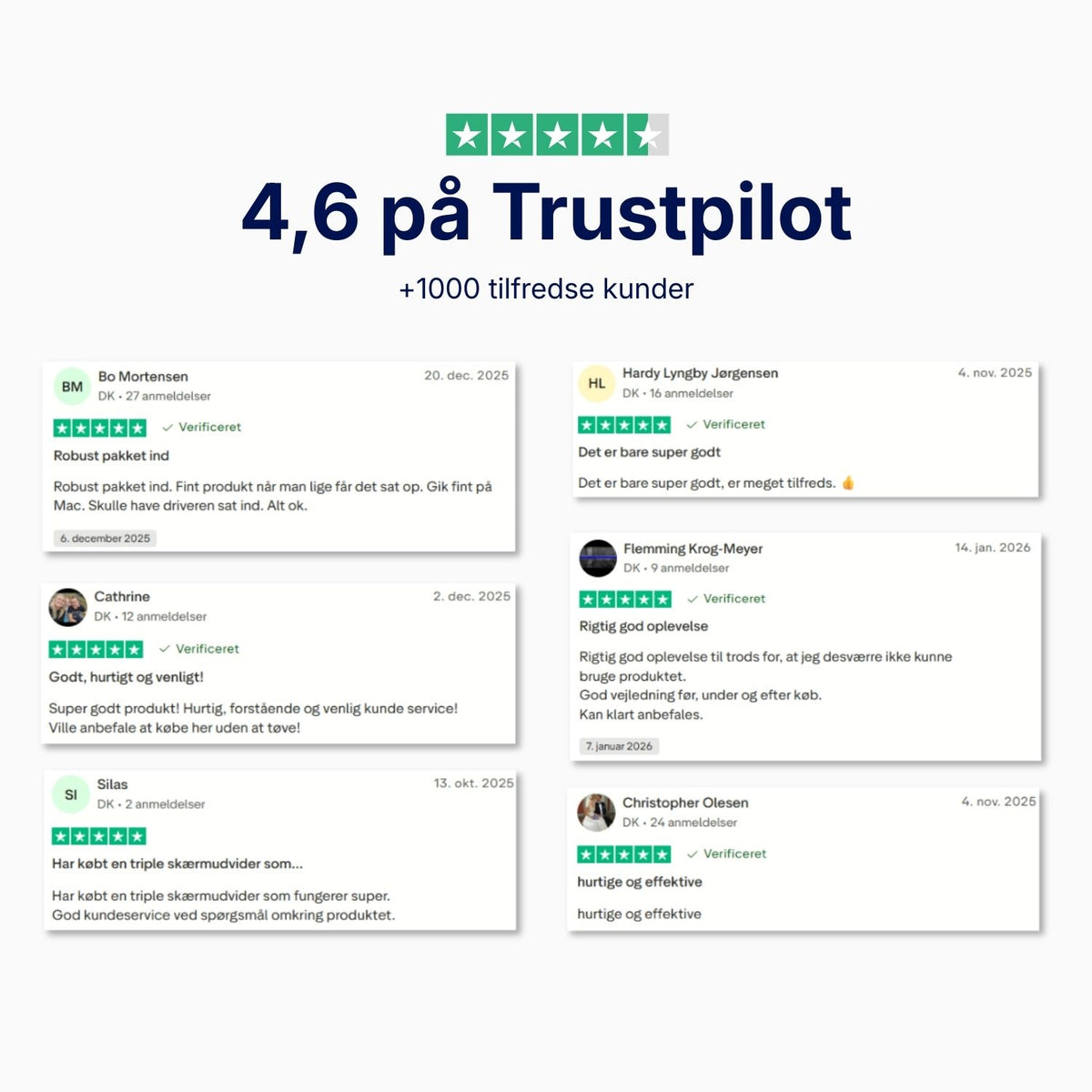
 4.6 on TrustpilotRead the reviews
Fantastiske skærme til den rejsende DayTrader!
Det er et must for den seriøse trader, og efter at have brugt skærmene i et par uger, så har jeg kun positive ting at sige, både om kvaliteten og ikke minds kundeservice niveaut. Alt i alt en helt perfekt oplevelse.
Og btw. Jeg har købt en af hver skærm, og de er alle lige gode, men med hver deres formål og ens erhverv. Jeg vil til enhver tid vælge NandoShop og give mine varmeste anbefalinger til kommende kunder. Køb Køb Køb.
Det er ALLE pengene værd!
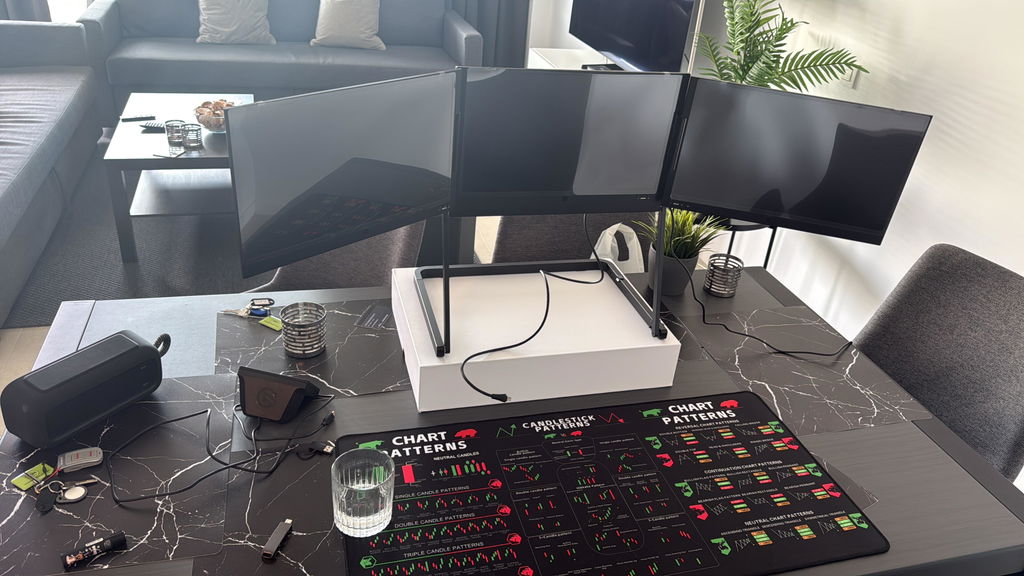
Jeg ville bare dele min gode oplevelse med Nandoo shop. Jeg bestilte min dobbelte skærmudvidelse direkte på deres hjemmeside og valgte at afhente den på deres lager. Der stod godt nok, at jeg ville få en mail, når den var klar, men i stedet kørte jeg direkte derud.
Jeg nævnte, at jeg lige havde bestilt en dobbelt skærmudvidelse, og personalet fandt ordren med det samme. De hentede den straks fra lagret, så jeg kunne få den med det samme.
Produktet er sat op nu, og jeg har brugt det i to uger. Jeg kan seriøst ikke forstå, hvordan jeg kunne vente så længe med at købe den, og den passer perfekt til min autocamper. Den giver mig en stor og overskuelig arbejdsplads, når jeg arbejder, og den kan nemt pakkes sammen igen, helt som min bærbar pc, når jeg ikke bruger den.
5 stjerner til firmaet for kundeservice.
5 stjerner til produktet for kvalitet og brugervenlighed.
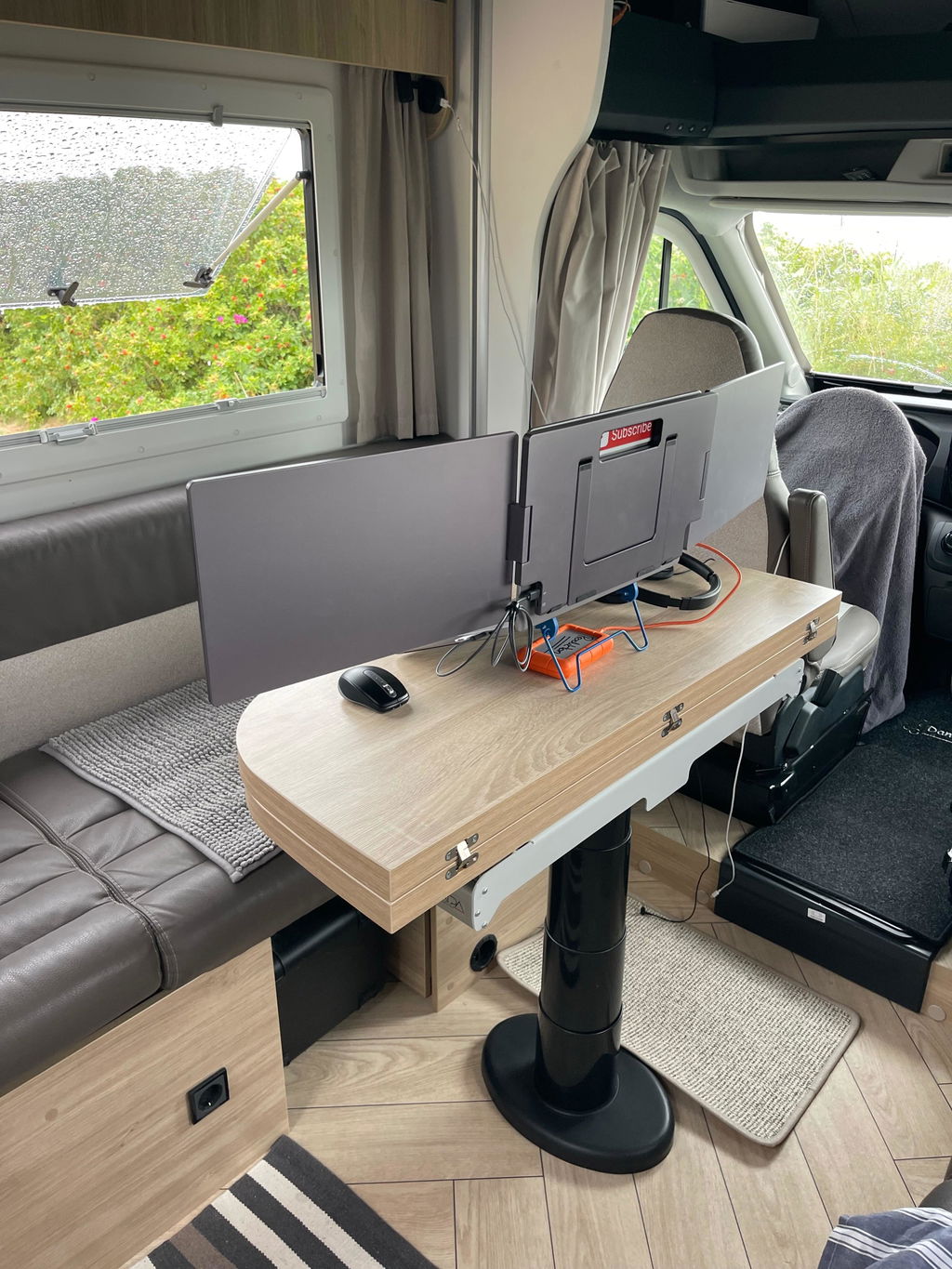
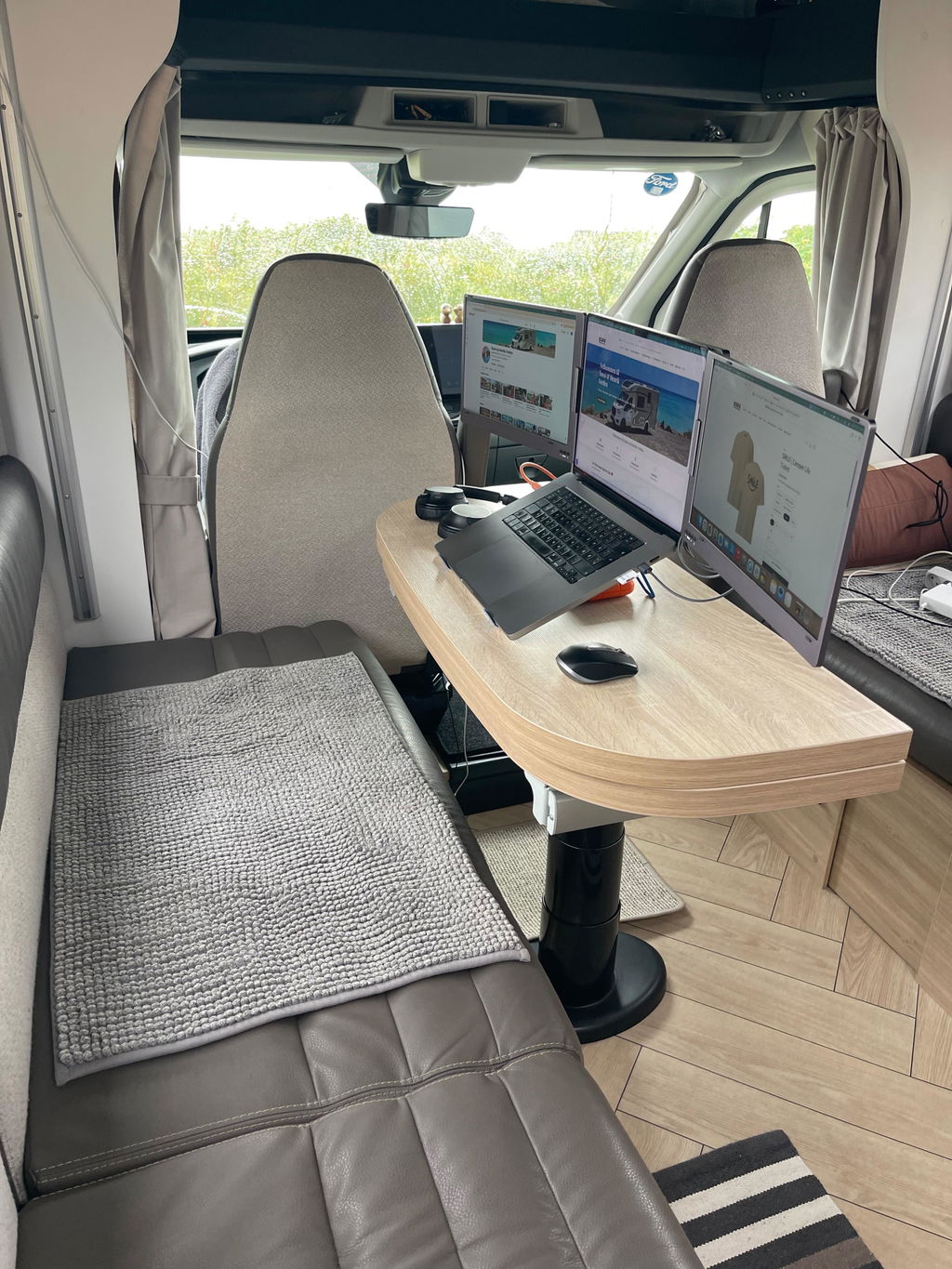
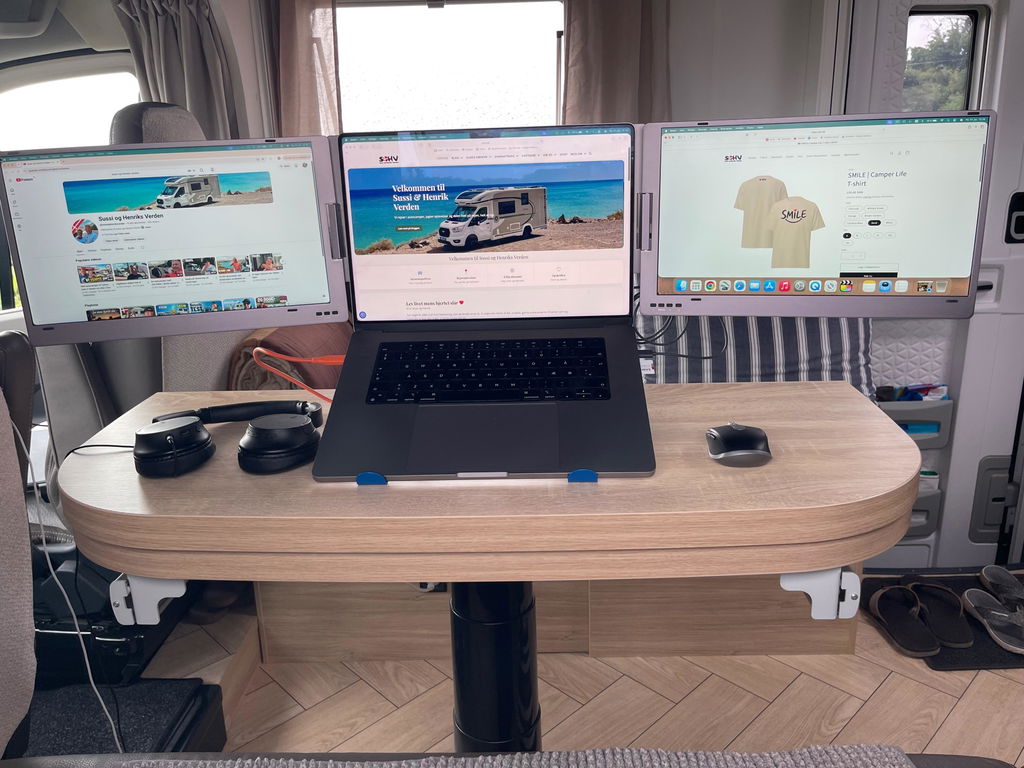
Den fungerar bra. Lite tung i ryggsäcken men det gör inget. Eftersom jag har en Dell Precission med 17 tums skärm passar den inte helt perfekt bakom. Jag har även en äldre variant av USB C som glappar lite men det kan vara smuts i kontakterna.
Skjermer till laptop
Megetbra
super nemt at sætte op med god opløsning
Meget bra. Rask levering og solid produkt.
Det lever fuldstændig op til forventningen. Skønt med 3 skærme i forlængelse af hinanden.
Lever fuldstændig op til reklamen og Mads yder virkelig god service, hvis man har et problem med indstilling af skærmene. Tak
:-)
produktet er fint nok men mangler stadig noget af min ordre , tastatur og trådløs mus fra leverandør..
Så afventer det bliver leveret med posten indtil da har jeg ikke meget positivt at sige.
Hej Jesper
Sammen med din Alu Pro har du bestilt en DeskMat. Som vi også har oplyst dig om via mail, medfølger der ikke mus og tastatur. Disse fremgår alene på billedet for at illustrere, at produktet er en musemåtte.
Vi har tilbudt dig at returnere produktet uden omkostninger. Hvis du fortsat ønsker at benytte dig af dette tilbud, hører vi meget gerne fra dig.
Med venlig hilsen
Kundeservice
Super tilbehør til din bærbar computer- virker med det sammen efter at driver var installeret. Er meget tilfreds.
Dette ser ut som en god løsning. Satt opp på kort tid og god kvalitet på skjermer 👍👌 Anbefaler 🤗
Jeg er meget tilfreds med Alu Pro Duo Skærmudvideren.
Opsætningen var hurtig og problemfri.
Produktet er udført i en robust og elegant aluminiumskonstruktion, som giver et kvalitetsindtryk og samtidig gør det nemt at have med på farten.
Let at sætte op og super funktionel.
Hurig & nem installation og virker perfekt.
Eneste mangel er et længere strøm kabel når man er på farten
Det har givet mig muligheden for at have et mobilt kontor, hvor jeg uanset hvor jeg er, har overblikket med mig i tasken. Det er guld værd, når man er selvstændig.
Har haft väldigt mycket användning av dom nya skärmarna i tjänsten, då jag reser mycket och ofta arbetar på hotellet.
Pakken kom super hurtigt og en nem plug and play løsning der virker.
Det fungerer bare super jeg er rigtig glad for det da jeg har skiftende arbejdes steder
Det at kunne arbejde med / på tre skærme er bare det bedste og så fylder det ikke når jeg ikke bruger det
Virkelig et lækkert produkt - God kvalitet, meget nem at sætte til og pænt design. Er allerede virkelig glad for min skærmudvider :)
Tak for god service
Købte og returnerede 2 S800 dobbeltskærme, da jeg hellere ville købe en anden type skærm "Alu pro bærbar".
Det forløb helt gnidningsløst, og Mads fra Nandooshop ringede mig op for at sikre jeg fik det produkt som jeg havde brug for.
Skærmene fungerer super godt til min MS Surface pc - og servicen fra Mads, var næsten det bedste.
Vh John
Ved ikke hvordan jeg har kunne klare mig uden. Når man ført har driveren er den nem at tilslutte
Sizes and measurements
14" or 15.6"? Choose the right one.
Choose the size that most closely matches your laptop's screen. This will ensure the screens align nicely. If you have a 15" laptop or larger, we recommend 15.6". Click the tabs to see the exact dimensions.


Technical Specifications
| Alu Pro 14" | Alu Pro 15.6" | |
|---|---|---|
| Screens | 2 × 14" | 2 × 15.6" |
| Panel | IPS, anti-glare (matte) | IPS, anti-glare (matte) |
| Resolution | 1920 × 1080 (Full HD) per screen | 1920 × 1080 (Full HD) per screen |
| Brightness | Up to 350 nits | Up to 350 nits |
| Aspect ratio | 16:9 | 16:9 |
| Weight (net) | 1.75 kg | 2.4 kg |
| Recommended laptop size | Up to 15.6" | Up to 17" |
| Connection | USB-C or USB-A (both cables included) | USB-C or USB-A (both cables included) |
| Modes | Extend, duplicate and portrait | Extend, duplicate and portrait |
| Material | Aluminum | Aluminum |
| Compatibility | Windows 7–11 and macOS (Apple M1–M4 and Intel) | Windows 7–11 and macOS (Apple M1–M4 and Intel) |
| Driver | Included on USB stick | Included on USB stick |

Everything is included
What is in the box?
1 × Alu Pro Portable Duo Display Extender
1 × USB-C to USB-C cable – recommended if your computer has USB-C.
1 × Dual USB-A to USB-C cable – for computers without USB-C.
1 × Power supply – charges your laptop while you use the displays. The displays also work without it.
1 × USB dongle with driver – for both Windows and macOS.
Try it for 30 days – completely risk-free
Set up Alu Pro with your own laptop and use it in your everyday life. If you're not satisfied, return it within 30 days and get a full refund. We just ask that the packaging remains intact.
And if you have any questions along the way, we're here to help by email and phone here in Denmark.
Questions and Answers
Frequently asked questions
Does it fit my laptop?
Alu Pro 14" fits laptops up to 15.6", and Alu Pro 15.6" fits laptops up to 17". See the exact dimensions under Sizes and dimensions, or do a quick check. If you are unsure, send us your computer model, and we will check it for you.
Does it work with MacBook?
Yes. It works with MacBooks with Apple silicon (M1, M2, M3, and M4) and Intel-based Macs. The included driver allows you to extend your desktop across both screens—even on MacBooks that normally support only one external display.
Should I install a driver? Is it safe?
Yes, the first time, you install the driver from the included USB stick. It comes from SiliconMotion, which makes display chips for major, well-known hardware brands. You can always download the latest version from SiliconMotion. If you prefer to use DisplayLink, the driver can be downloaded from Synaptics. If you run into any trouble, give us a call – we'll help you through it.
Does it work on my work computer?
Yes, as long as you are allowed to install the driver. On some company computers, the IT department must approve the installation. The driver is also used in the public sector.
Do the screens need to be plugged into an outlet?
Usually not. The screens can run on power from your laptop. If you connect the included power supply, the screens will receive a stable power supply, and your laptop will charge at the same time. If your computer does not provide enough power (e.g. via USB-A), simply use the power supply.
Which size should I choose?
Choose the size that most closely matches your laptop screen. If you have a 13–14" laptop, 14" is a good choice. If you have a 15" or larger laptop, we recommend 15.6".
What if I'm not satisfied?
You have a 30-day satisfaction guarantee. Return the product within 30 days, and you will receive a full refund. The packaging and original box must be intact.
When will I receive my order?
If you order before 12 noon on a weekday, we will ship the same day from our warehouse in Denmark with PostNord. Shipping to a parcel shop is free.
Can I get help with the setup?
Yes. Write to kontakt@nandooshop.dk, or call +45 61 77 66 00 (Monday–Friday 10 am–3 pm). A user manual is also included, and it can be found in Danish here.
How do I know that you are a serious webshop?
Nandooshop is a Danish webshop with a warehouse in Horsens (CVR 45371883). We are certified by e-mærket, have an average rating of 4.6 on Trustpilot, and you can always call us at +45 61 77 66 00.
Didn't find the answer? Write to kontakt@nandooshop.dk or call +45 61 77 66 00. We will respond within 24 hours.
Ready for more screen space?
Upgrade your laptop today
Order before 12 noon on a weekday, and we’ll ship it the same day. If it’s not for you, you have 30 days to return it.
Alu Pro Portable Duo Screen Extender
4,6 · 22 reviews
In stock – ships from Denmark